To remove surveys you no longer need to keep your workspace clean and organized, go to Surveys > All Surveys, locate the survey you want to delete, and click the three dots in the top right corner. Select Delete and confirm your action.
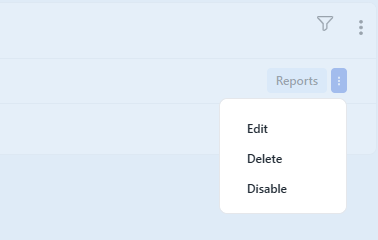
Keep in mind that deleting a survey is permanent and cannot be undone.
See Also: