To update your surveys at any time to keep your content relevant and aligned with your goals,
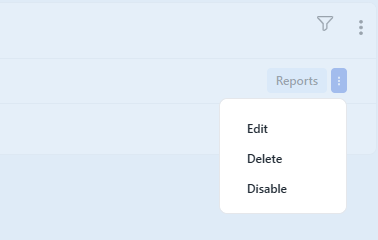
go to Surveys > All Surveys, find the survey you want to edit, and click the three dots in the top right corner, then select Edit.
You can modify the survey name, update existing questions, add new ones, or adjust the design and colors. .
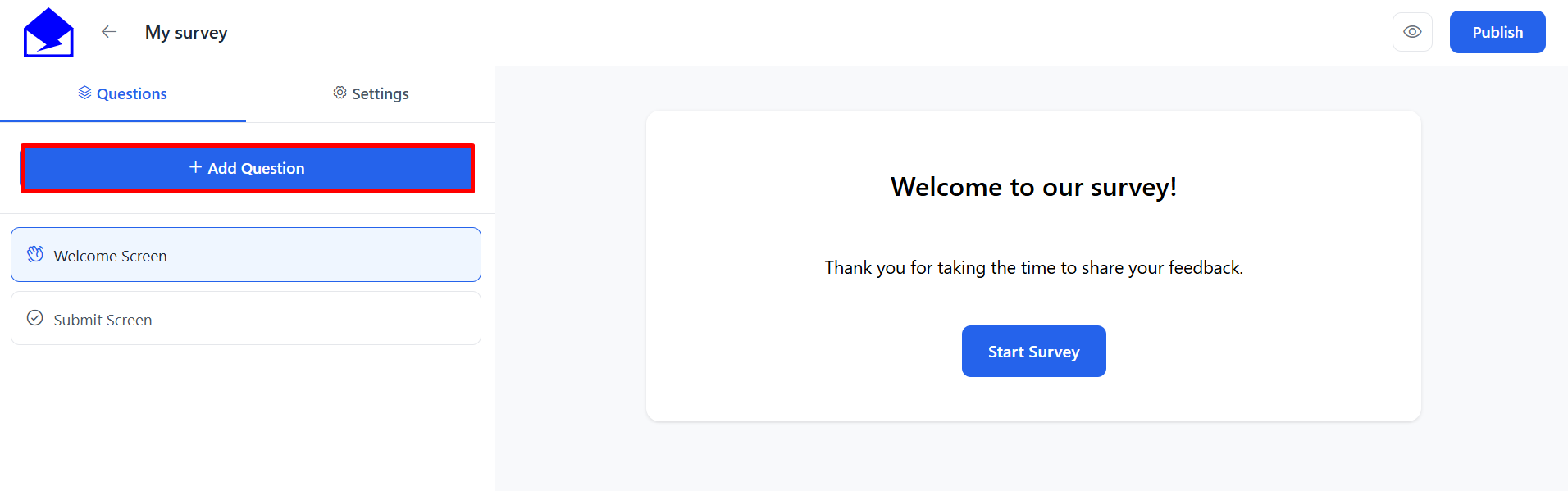
After making changes, save and republish the survey to apply updates.
See Also: