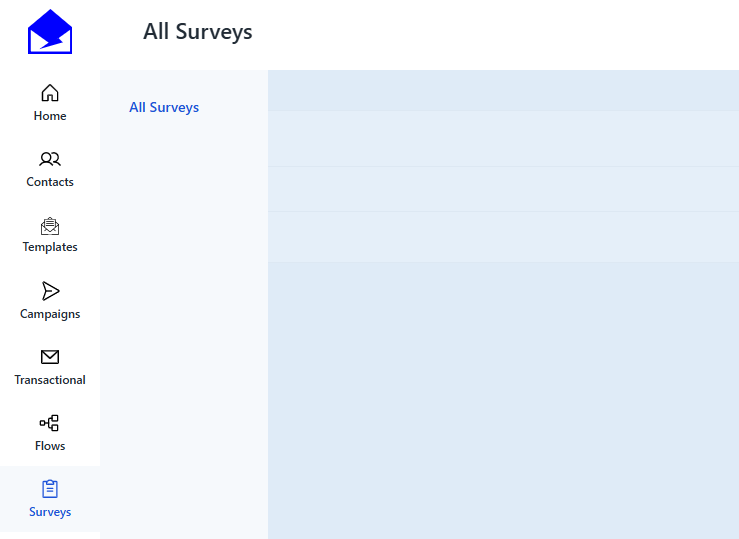
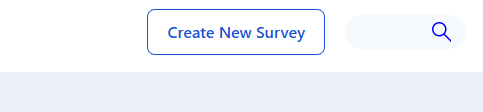
To easily create surveys to collect feedback from your audience directly within your email campaigns, go to Surveys > All Surveys and click Create New Survey in the top right corner.
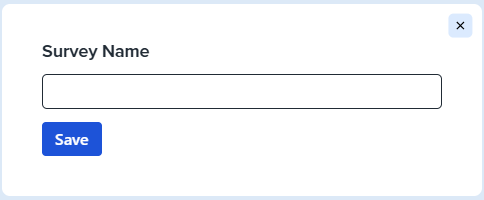
Enter your Survey Name and click Save to get started.
Add your questions by choosing between choice-based options - such as radio buttons, emojis, yes/no, or star ratings - or text questions for open-ended responses.
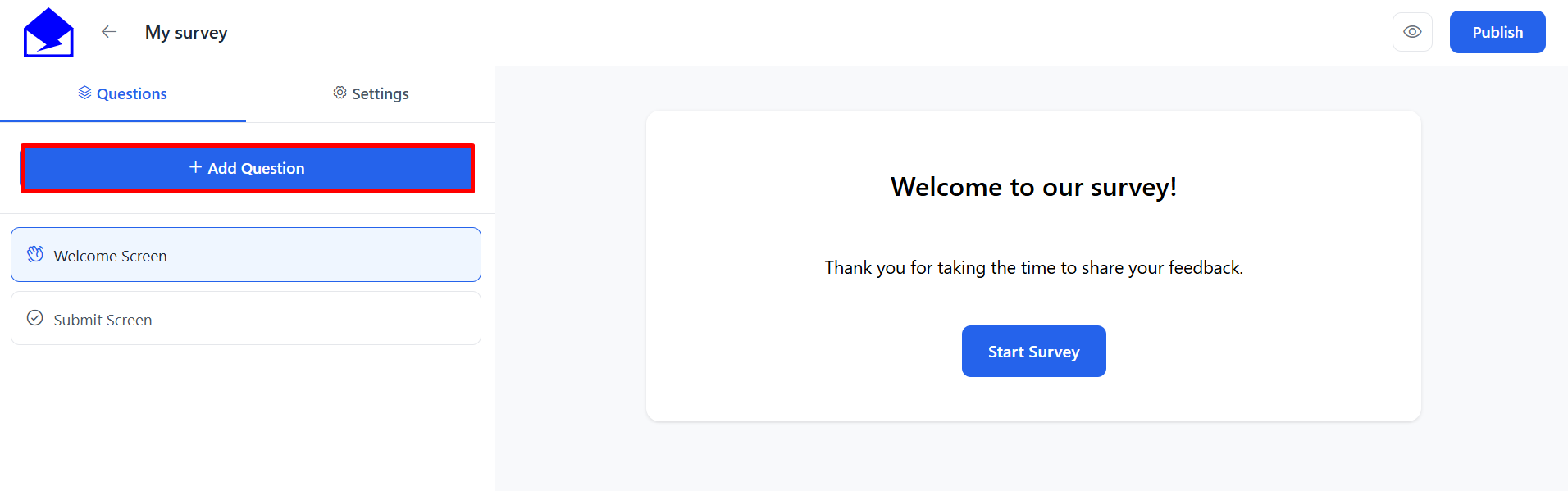
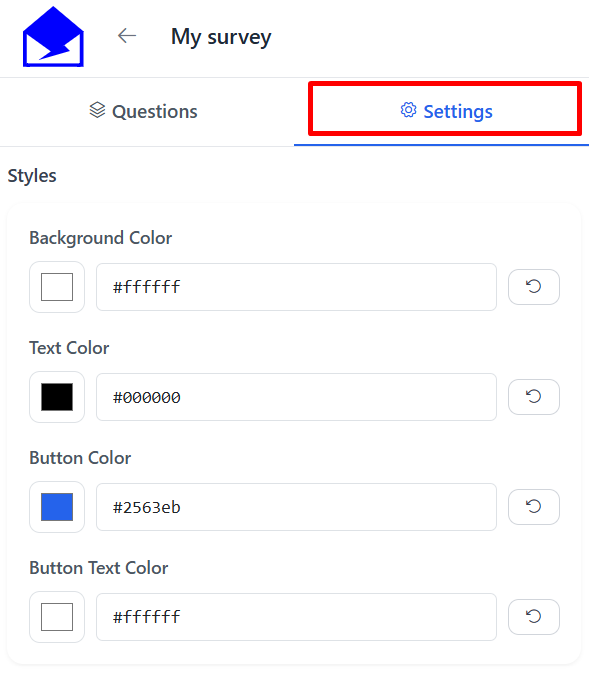
Once your survey is ready, customize the design by adjusting colors to match your brand.
When everything is set, click Publish to make your survey live and ready to use in your email templates.
See Also: