DirectIQ Flows allow you to automate your email marketing efforts by creating a series of actions triggered by specific events. Flows help streamline communication, ensuring timely and relevant interactions with your audience.
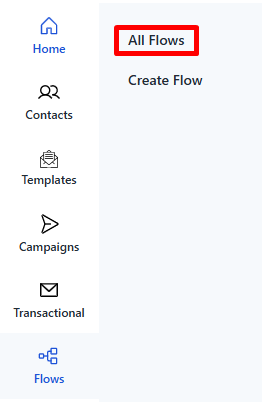
To access Flows, navigate to the Side Bar -> Flows -> All Flows in your DirectIQ dashboard.
Flow Components:
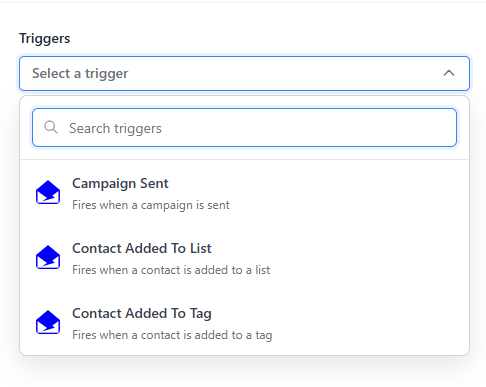
Trigger: In DirectIQ The trigger is the event that initiates the flow,there are 3 triggers, when a contact is added to a specified list (Contact Added to list), when a contact is added to a specified tag (Contact Added to Tag) and according to a chosen date (Date Propperty). The email list, tag, or the date must be set up and choosen by the you.
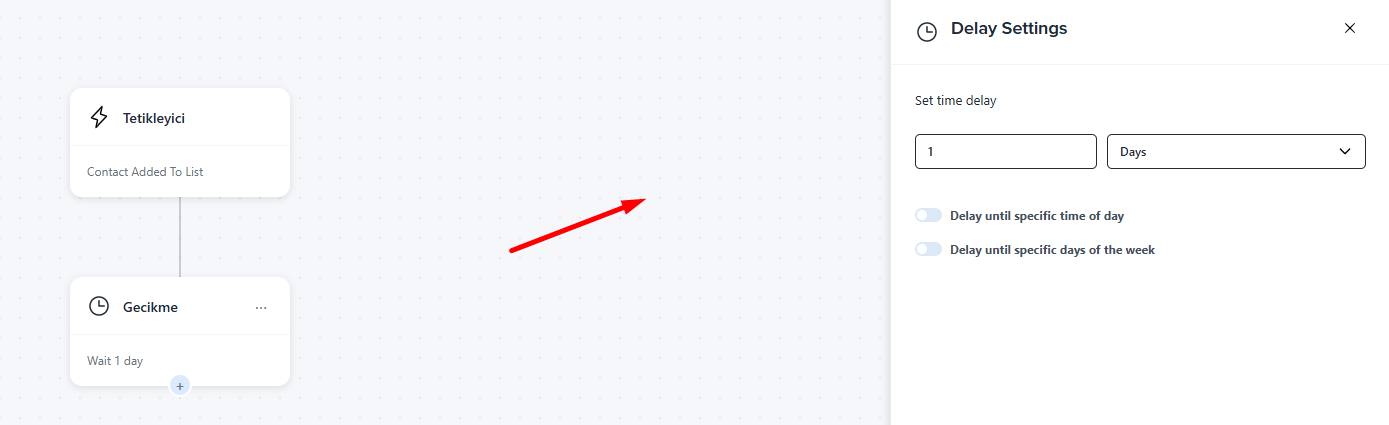
Delay Block: Set the delay time between emails by hours, days, or minutes to control the timing of your communications.
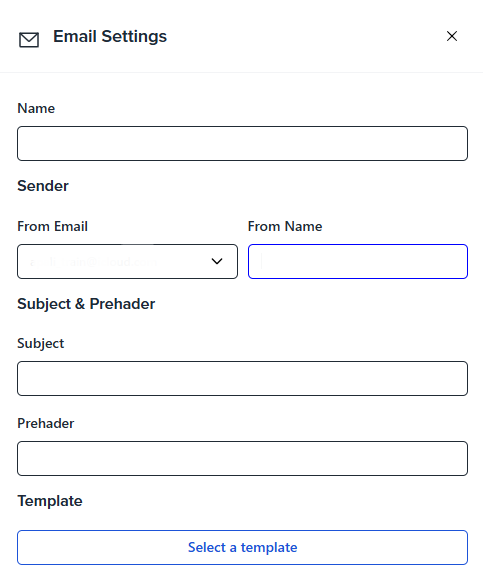
Email Block: Set up the email to be sent by choosing the email name, sender address, sender name, subject line, and preheader. Finally, select the email template to define the content and layout of your message.
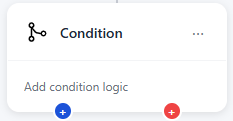
Condition (If/Else) Block: Apply conditions to customize the flow's path, tailoring communication based on contact filter data. Click on the edit button and specify the filters you need, like based on contact property which will allow you to choose from the contact fields as in the image.
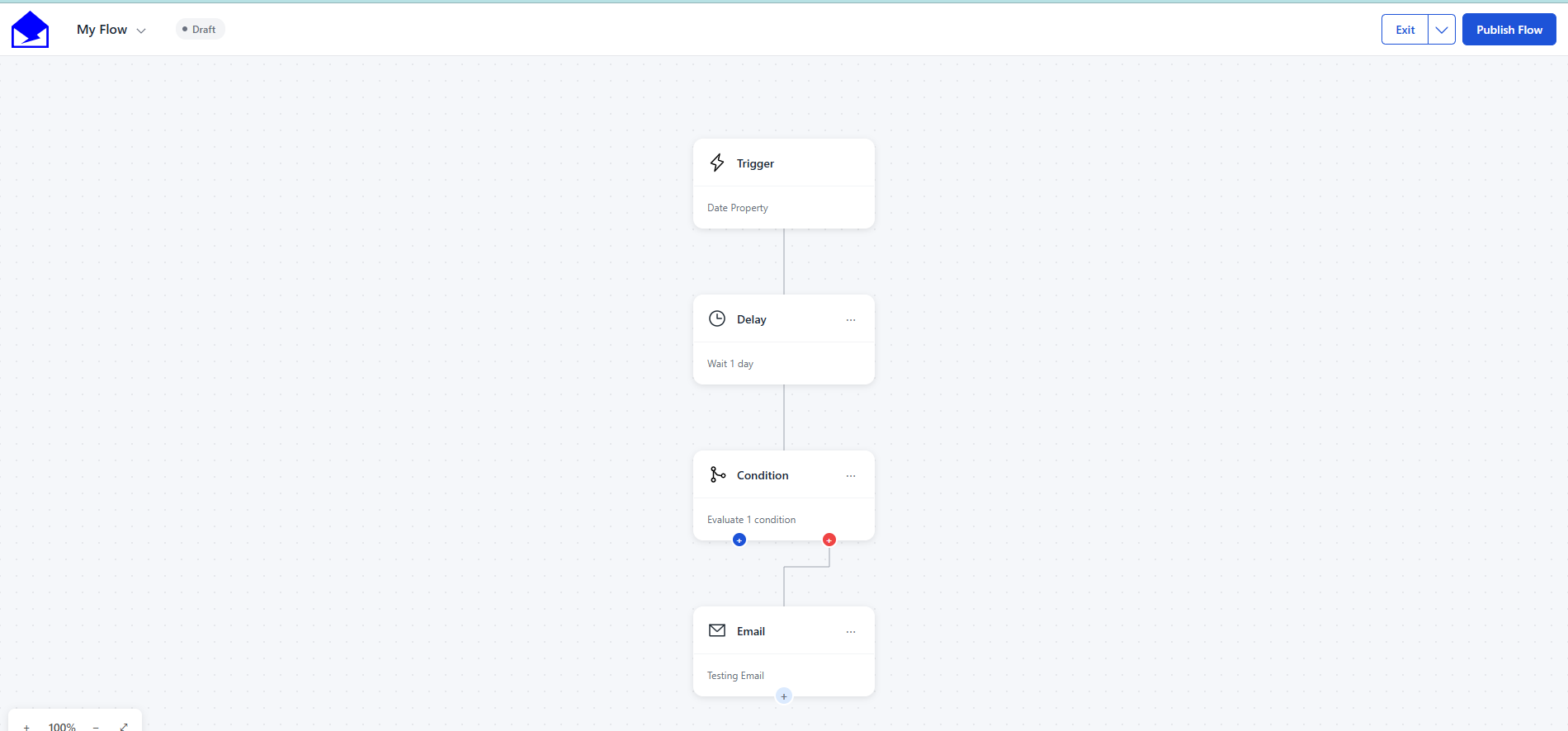
Flows are a powerful tool to enhance customer engagement, improve retention, and nurture leads efficiently.
See Also:
How To Set Up Campaign Recipients