DirectIQ allows you to filter contact lists by list name, list quality, and last modified date. First, open Contacts -> Contact Lists. Click the button with the filter icon located at the end of the Search bar.

Select values to filter from the drop-down list for last modified date and created date and select a date. The contact lists are automatically updated after selecting a value from the drop-down list or after entering at least three characters into a text field to filter by name.
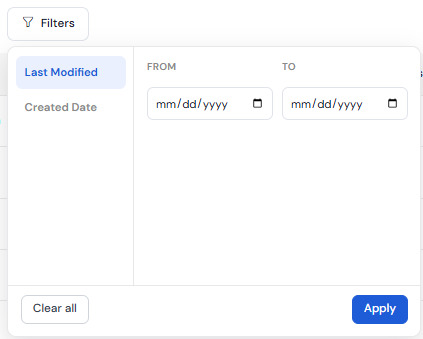
If you click on Clear all, then all filters will be reset.
See also:
Managing Single Contact List