If you're looking for an easy way to create an online store, Shopify can be your perfect solution. With Shopify, you don't need to worry about server costs and development fees that are often associated with self-hosted platforms.
At DirectIQ, we offer our platform for Shopify users to help boost customer engagement through email automations tailored to their specific needs.
To connect your existing store with your DirectIQ account is from the Shopify app store,
Go to the Shopify app store and search DirectIQ:

Click on add app, then on the installation page click on install app

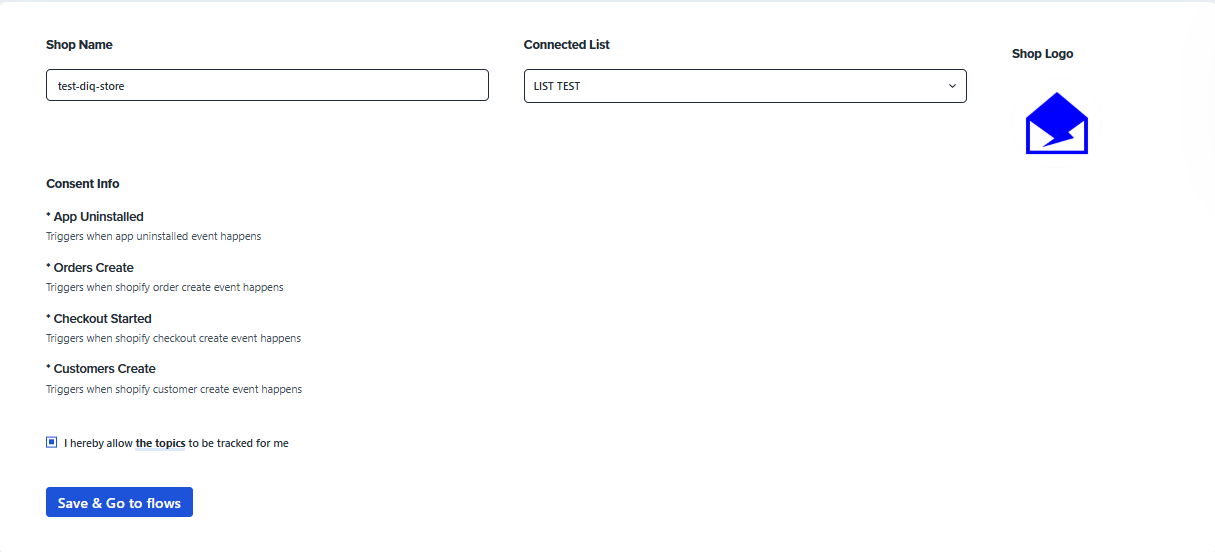
After installation completes you will be redirected to your DirectIQ account shopify plugin page where all you need to do is select your store logo and the list where your shopify customers will be added:
In case you don't have a DirectIQ account then Once you click install you will be redirected to the DirectIQ signup page:
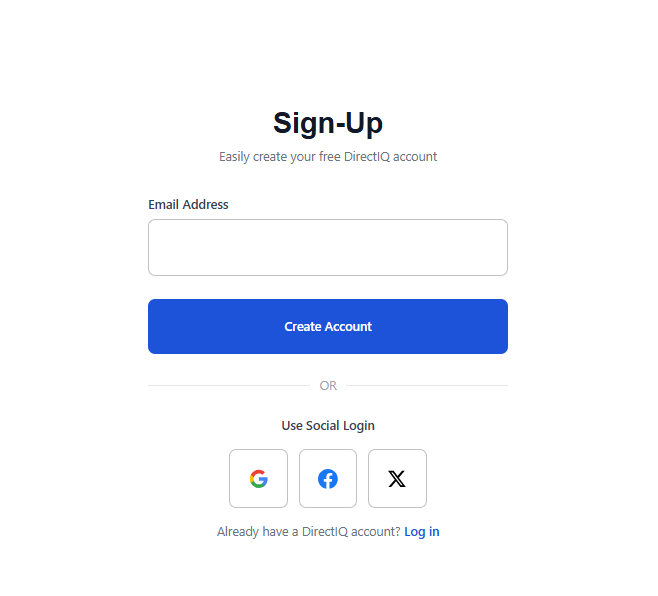
Insert the email you want to use with the account and then complete the signup steps.
In case you already have a DirectIQ account and want to use it then click on : Already have a DirectIQ account? Log in.
Congratulations! You have connected your shopify store to your DirectIQ account!
See Also: