With flows you can create an automatic management of your customer email engagements, through triggers actions and logic combined. To further facilitate the usage we have added pre-built flows that are ready to use making very small changes (i.e. Email campaign title or the address you will send from )
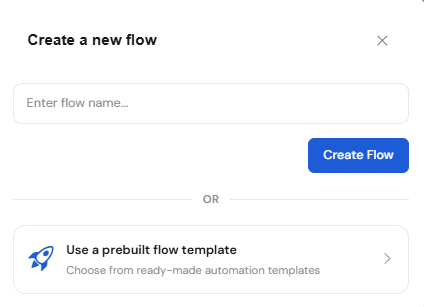
To break down the automation flow further let's dive into the key components of it and specify their functionality:
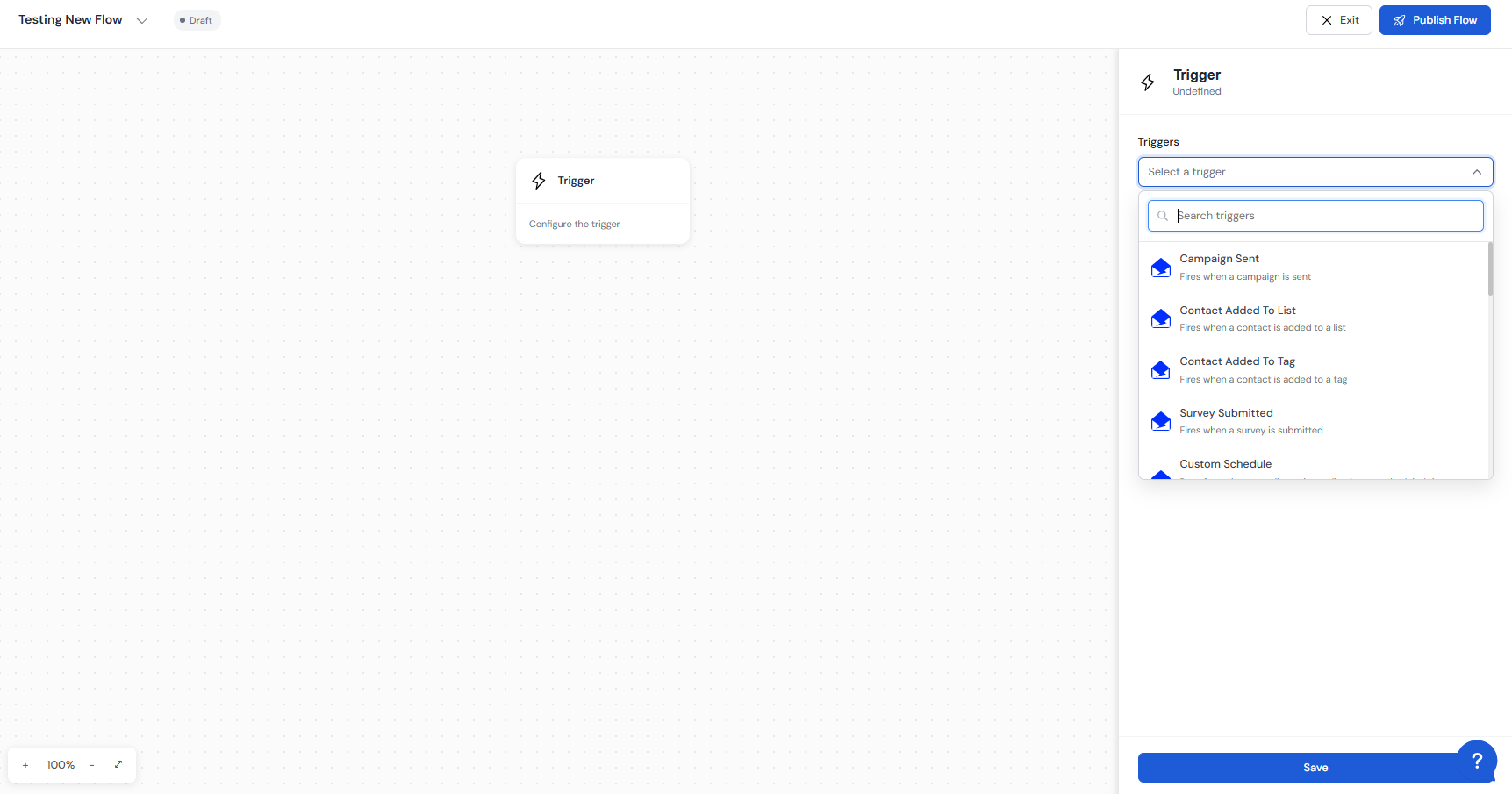
Triggers:
Shopify & Woocommerce triggers:
The Shopify & Woocommerce triggers contains 3 trigger types:
Customer Created ( in the event of a customer being created, you can add an action to send a welcome email )
Order created ( in the event of an order being created on your store, you add an action to send an email to your customer for the order confirmation )
Checkout Started ( in the event of an order checkout started on your store, you add an action to send an email to your customer or add logic depending on the customer interaction )
DirectIQ Triggers:
Campaign Sent ( in the event of a campaign being sent, the flow will trigger subsequently and send all the emails as planned in the flow nodes )
Contact Added To List ( in the event of a contact being added to a list, the flow will trigger subsequently and send all the emails as planned in the flow nodes )
Contact Added To Tag ( in the event of a contact being added to a tag, the flow will trigger subsequently and send all the emails as planned in the flow nodes )
Survey Submitted ( in the event of a survey answers being submitted the flow will trigger subsequently and send all the emails as planned in the flow nodes to the person that submits the answers )
Custom Schedule ( Runs for a chosen audience immediately, at a scheduled time, or on a recurring schedule )
Date Property ( Runs on a specific date property (Field) of the contact I.E: on a birthday of a contact that is registered as a date field in the list, the flow will triger and start sending)
Flow Nodes (blocks)
· Email - The Email action allows you to choose a campaign name, a from email, and an email template to send after all conditions are applied.
Condition
· If/Else Condition - The If/Else Condition is always inserted after having specified a trigger as an ultimate goal to personalize the sending of the email after the customer triggers the conditions for sending it.
· Conditions Settings - in the TheIf/Else conditions settings you can specify contact filters.
For example you have a list of customers from a certain domain that you want to offer discounts to, in this case an if/else logic will be needed where you will choose the contact filter: Based on contact property and then select the desired contact field (ie: domain) "Equals" then insert the domain @customerdomain.com. this way you send an email to people whose email contains @customerdomain.com.
· Delay - When you want to wait an x amount of time before sending an email to your customer then you insert the delay action and specify how much time you need to wait before the next node (Email) executes.
Flows Gives you the freedom to anticipate all your customer interaction scenarios and create automations to engage with customers in a timely manner and make sure you respond to their activities
You can customize and create personal flows adding actions and logic however it will better suit you.
See Also:
How to connect your shopify store