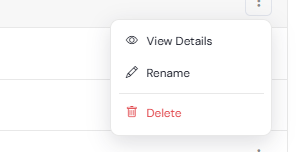
To manage your tags go to Contacts -> Contact Tags. Select a tag and click on the 3 dots menu at the right to see a drop-down with a list of actions, that you can perform.

View Details
You can see which contacts are marked with the selected tag. To do this click View Details in the 3 dot menu.
Rename
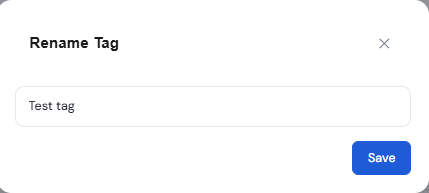
Click Rename to change the tag name. In the dialog, that will open, enter a new name and click Save.
Delete
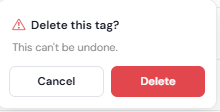
Click Delete to remove a tag. In the confirmation dialog click Delete. The tag will be deleted and the list of tags will be automatically updated.
See also:
Creating Tags