The Downloads page allows you to access files generated from your DirectIQ account, such as exported contact lists and invoices. When you request a download, the system first prepares your file before it becomes available.
This ensures that large datasets are processed correctly and delivered in a downloadable format.
How Downloads Work
When you export a file (such as a contact list or invoice), the process follows these steps:
You request a download (for example, exporting a list or invoice).
The system shows a “Preparing for download” status.
Once processing is complete, the file appears in the Downloads page.
You can then click Download to save the file to your device.
Available File Types
Depending on your activity, you may see:
Contact list exports (e.g., XLSX files)
Invoice downloads
Other exported reports or data files
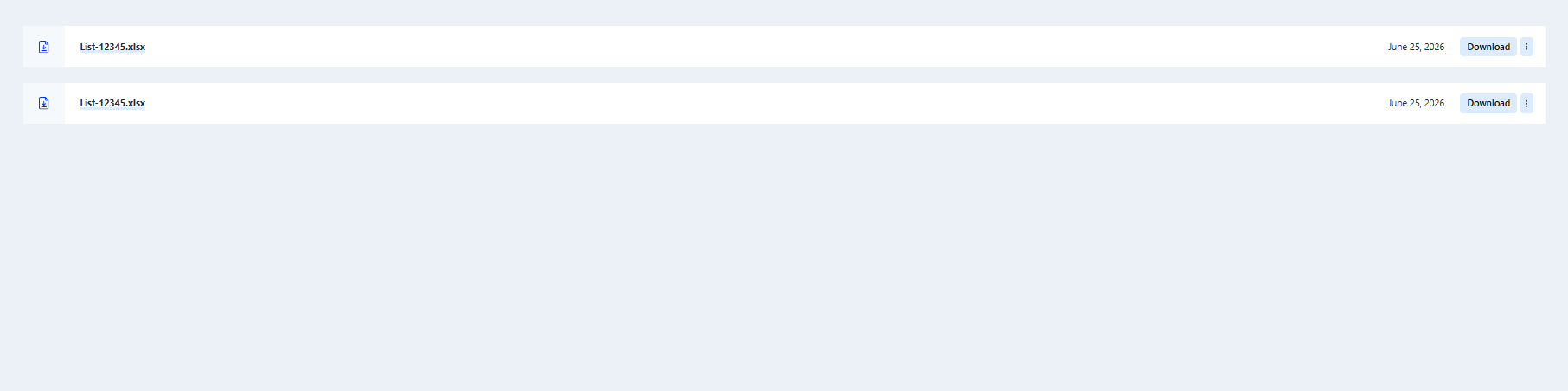
Example Download List
Your Downloads page may look like this:
Why this process is used
This system ensures that:
Large exports are processed reliably
Files are generated with accurate, complete data
Downloads remain fast and stable even for large contact lists
Need Help?
If your file stays in “Preparing for download” for too long or does not appear, you may need to regenerate the export or contact support for assistance.