To permanently remove a webhook, click the three-dot (⋮) menu next to the webhook and select Delete.
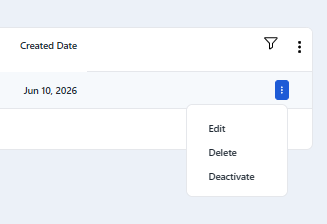
Before confirming deletion, please note:
The webhook will stop sending all events immediately
This action is permanent and cannot be undone
Any external system relying on this webhook will stop receiving updates
Only delete a webhook if it is no longer needed or has been replaced by a new endpoint.
See Also: