Existing webhooks can be modified at any time using the three-dot (⋮) menu on the right side of the webhook row and then click the Edit menu.
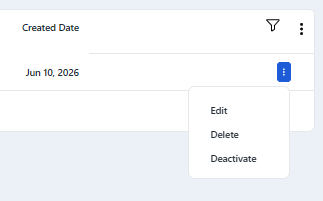
From the edit menu, you can update:
Endpoint URL
Selected events
Changes are applied immediately after saving. This allows you to adjust your integration without needing to delete or recreate the webhook.
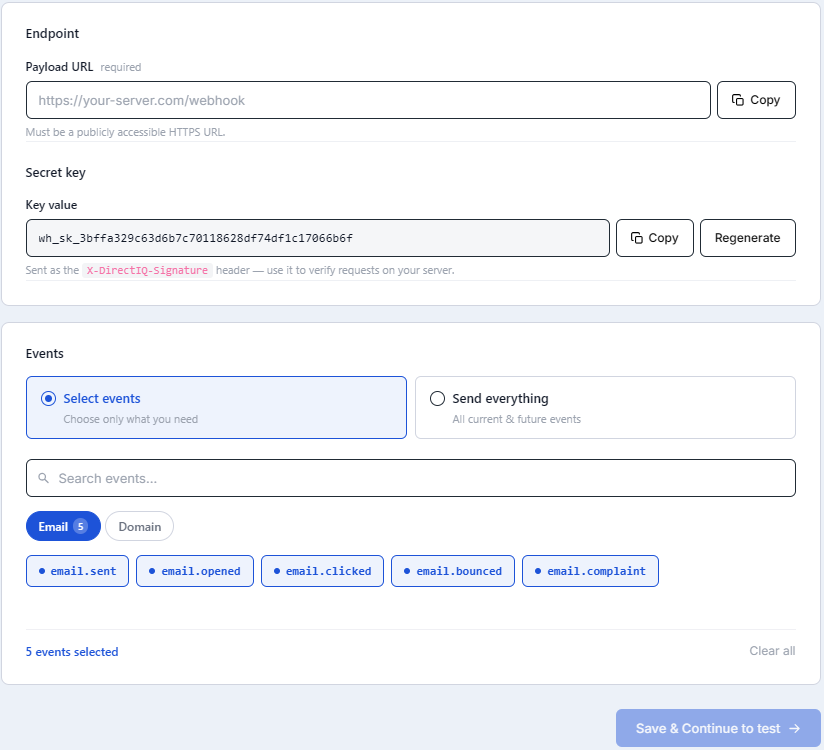
The webhook will continue to use the same secret key unless it is explicitly regenerated.
See Also: