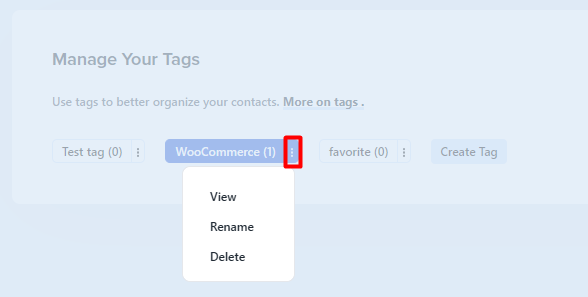
To manage your tags go to Contacts -> Contact Tags. Select a tag and click on it to see a drop-down with a list of actions, that you can perform.
View
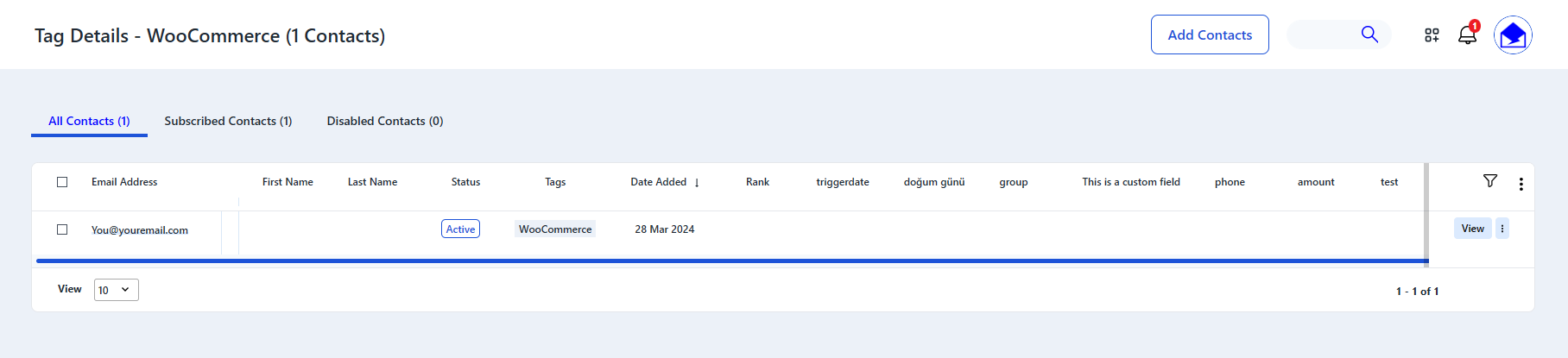
You can see which contacts are marked with the selected tag. To do this click View in the dropdown.
Rename
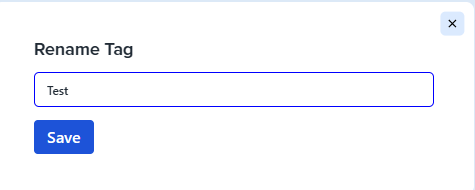
Click Rename to change the tag name. In the dialog, that will open, enter a new name and click Save.
Delete
Click Delete to remove a tag. In the confirmation dialog click Sure. The tag will be deleted and the list of tags will be automatically updated.

See also:
Creating Tags