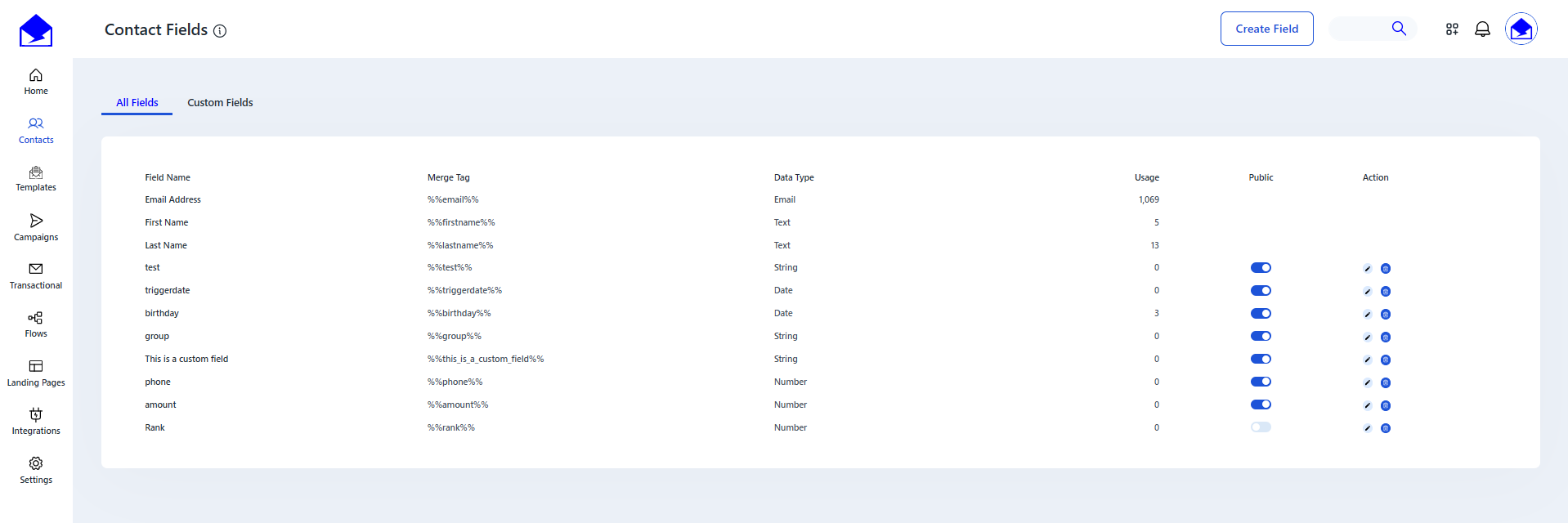
You can edit and delete your custom fields on the Contacts -> Contact Fields page.
Editing
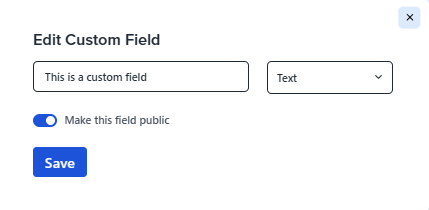
To edit the field, click on the icon with a pencil in the column Action. A dialog box will open. You can change the name, type, or publicity of the field here. After making all the necessary changes, click Save.
You also can change field publicity by clicking on switcher in column Public in the table with a list of fields.

Deletion
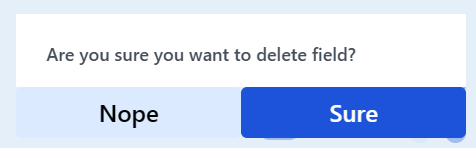
To delete a field, click on the icon with trash in the column Action. Then click Sure in the confirmation dialog box. After that, the selected field will be removed from the list of fields.
See also:
Creating Custom Field